
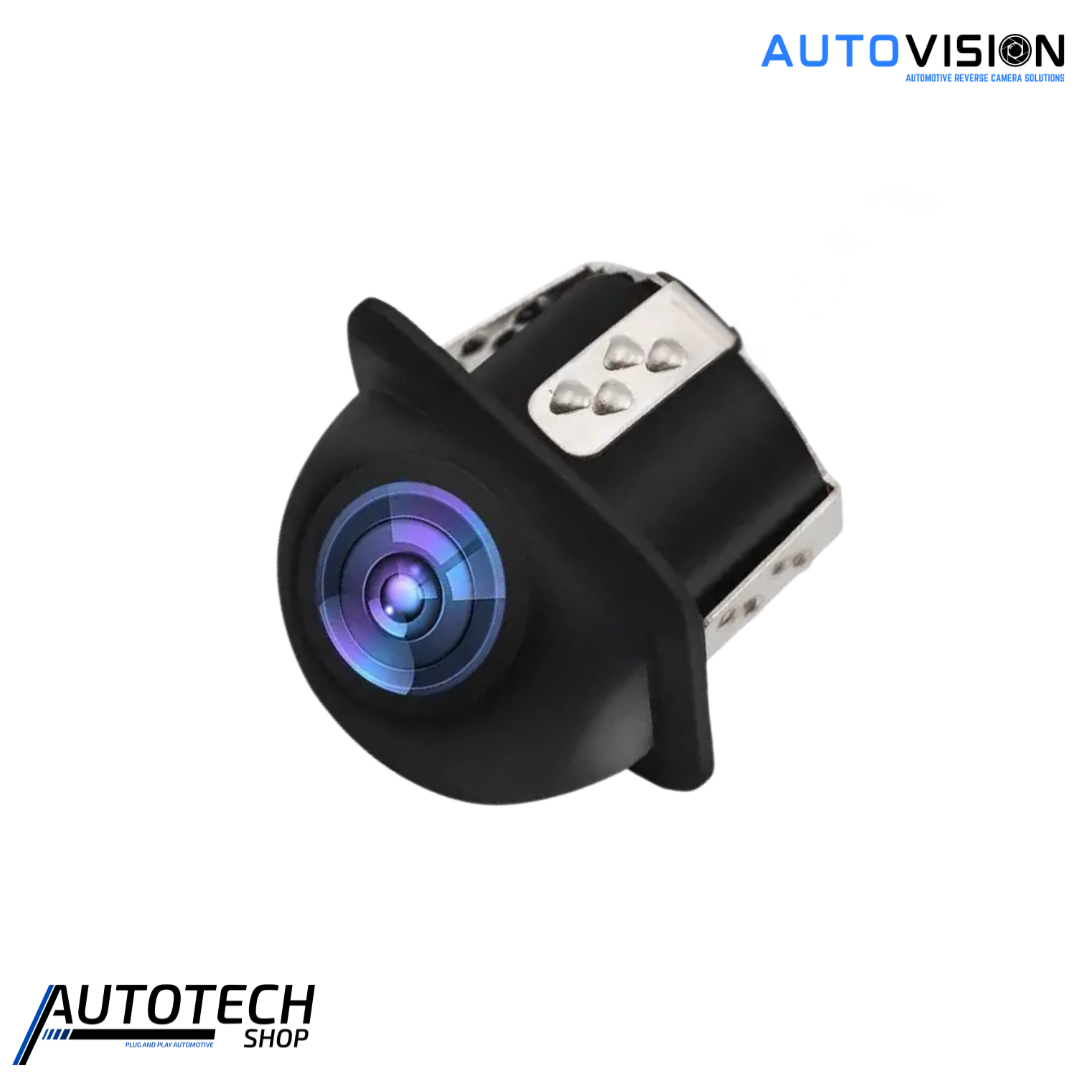
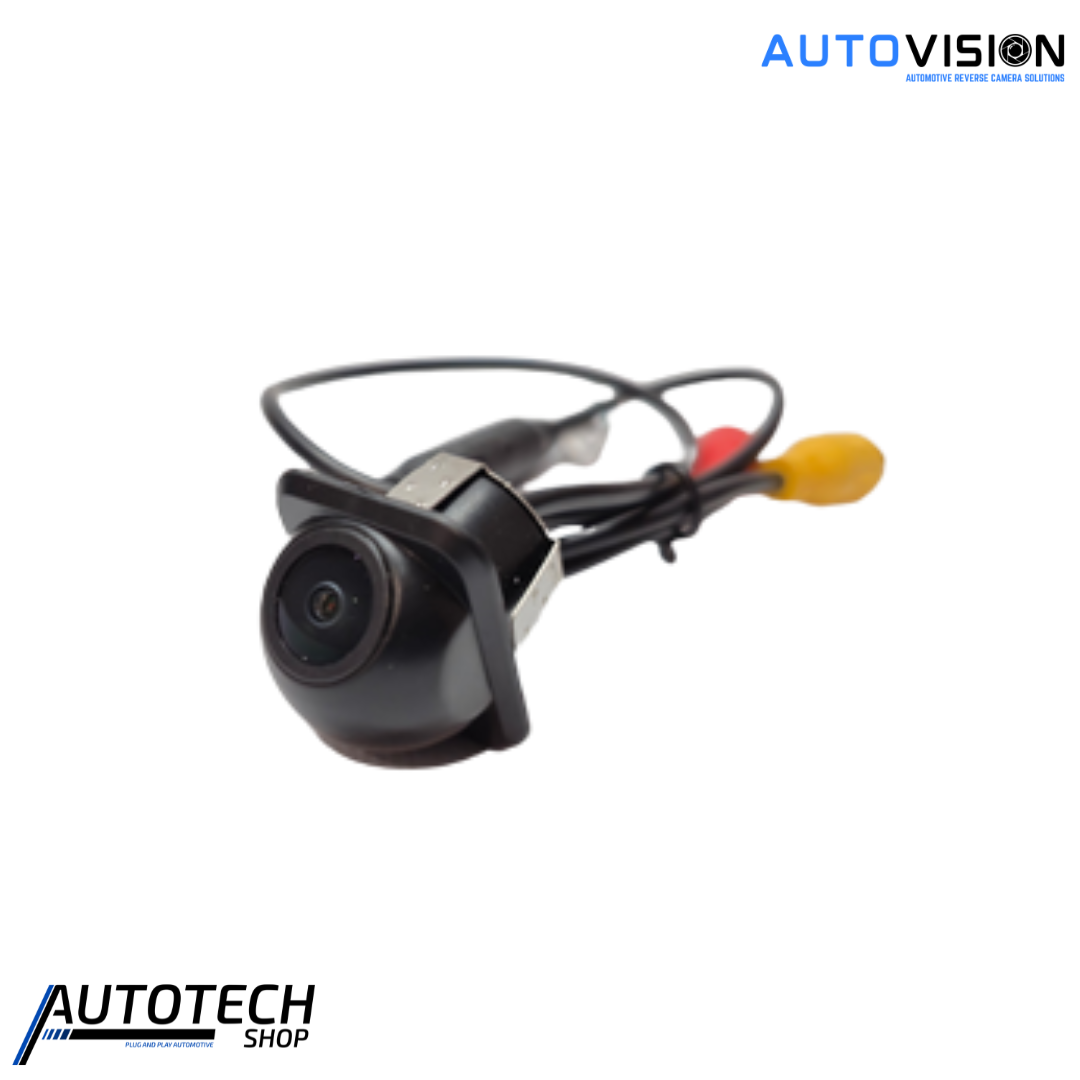
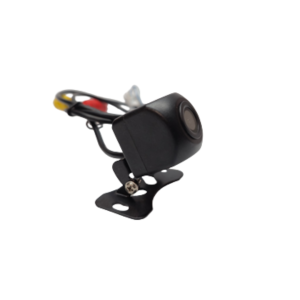
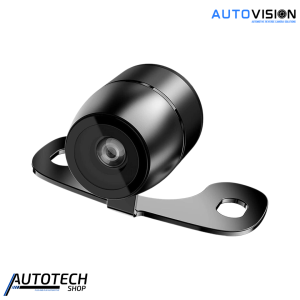

AutoVision Dome Camera 12V

R599,00

The AutoVision 12V Dome Camera provides clear visibility with a high-quality CCD sensor, 480TVL resolution, and a wide 170° viewing angle. Its compact design supports both front and rear mounting for easier parking and reversing. With PAL/NTSC compatibility, RCA output, and an IP68-rated weatherproof housing, it delivers reliable performance in tough conditions.

Add to Cart
AutoVision Dome Camera 12V
R599,00

AutoVision Dome Camera 12V – Reliable Vehicle Visibility in All Conditions


Upgrade your vehicle’s safety with the AutoVision Dome Camera 12V. It delivers clear visibility, especially in challenging conditions. Its durable design and wide-angle lens suit both front and rear mounting. Use it for parking, reversing, and improved driving awareness. The camera helps you spot obstacles more easily and gives you a wider view of your surroundings. Its compact design also fits neatly into your vehicle setup while providing reliable performance during everyday driving, manoeuvring, and parking situations.

Clear and Reliable Image Quality

The AutoVision Dome Camera 12V features a high-quality CCD sensor for sharp images. Its 480TVL resolution provides clear and defined visuals. The 170° wide-angle lens gives you a wider view and helps reduce blind spots.

The wide viewing angle makes tight spaces easier to navigate for your convenience. It helps you reverse, park, and maneuver with greater confidence.

PAL and NTSC Compatibility

The camera supports PAL and NTSC video formats. This makes it compatible with many vehicle monitors and video systems. The RCA output also allows for simple connection to compatible displays.

Built for Tough Conditions

The camera features an IP68-rated weatherproof design. It protects the camera against dust and water. The camera operates in temperatures from -30°C to 90°C.

Its rugged construction suits everyday driving. It can handle changing weather and demanding road conditions.

Flexible Front or Rear Installation

Install the AutoVision Dome Camera 12V at the front or rear of your vehicle. Use it at the front for better forward visibility. Install it at the rear for easier reversing and parking.

The camera offers a practical way to improve visibility around your vehicle. Its 170° viewing angle, weatherproof housing, and flexible installation make it a reliable choice. PAL/NTSC compatibility and RCA output also make integration simple.

Features

Installation Guide

⚠️ Important Safety Information

  • Disconnect your vehicle’s battery before starting installation.

  • Ensure wiring is secured and routed away from moving parts.

  • Avoid installing in areas where the camera may be damaged by debris or impact.

  • Professional installation is recommended if you are not confident with vehicle electronics.

Tools You May Need

  • Drill and bits (for mounting if necessary)

  • Screwdrivers (Phillips and flathead)

  • Wire stripper/crimper

  • Electrical tape or heat-shrink tubing

  • Cable ties

Installation Steps

1. Preparation

  1. Park your vehicle on a flat surface and engage the parking brake.

  2. Disconnect the negative battery terminal.

  3. Select a mounting location at the front or rear of the vehicle, ensuring the camera has a clear, unobstructed view.

2. Mount the Camera

  1. Use the included mounting hardware to attach the camera securely.

  2. Adjust the angle of the camera to optimise coverage, keeping blind spots in mind.

  3. If using optional on-screen guidelines, adjust orientation for correct display.

3. Connect Wiring

  1. Connect the camera’s RCA video output to a compatible display or monitor.

  2. Connect the 12V power input to a suitable vehicle power source (ignition-switched 12V recommended).

  3. Ensure all connections are secure and insulated with electrical tape or heat-shrink tubing.

  4. Route wires neatly and secure with cable ties to prevent interference with vehicle components.

4. Test & Use

  1. Reconnect the vehicle’s battery.

  2. Turn on the display to verify the camera feed is active.

  3. Check image quality, coverage, and IR functionality for night vision.

  4. Adjust the camera angle as needed for optimal monitoring.

Care & Maintenance

  • Clean the lens regularly with a soft cloth to maintain image clarity.

  • Avoid harsh chemicals or abrasive materials on the camera lens.

  • Periodically inspect wiring and mounting hardware for security and wear.